Your brand, clearly presented
A custom layout with your core business, service and contact sections.
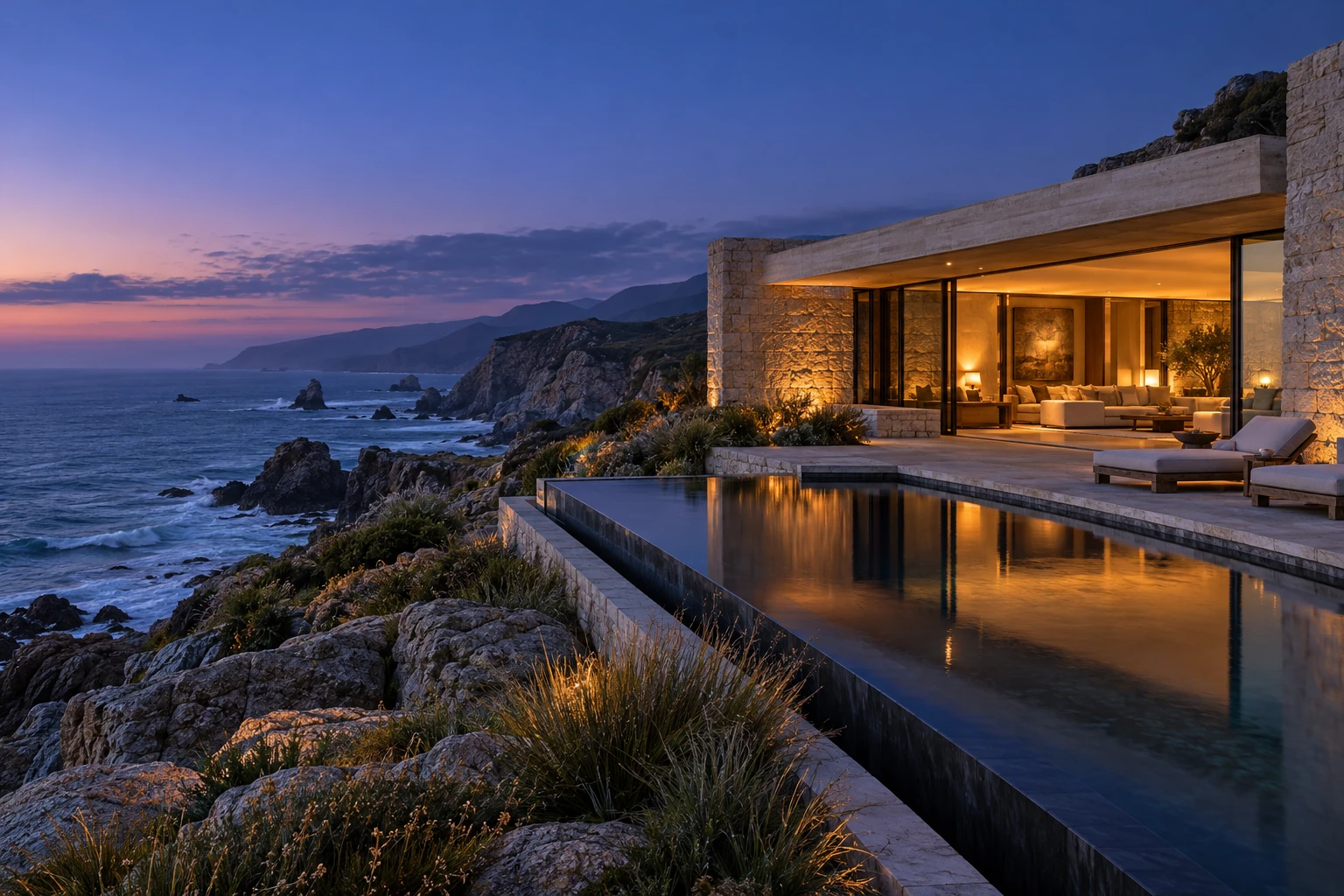
A focused campaign concept.
One clear invitation to get away.
Fictional retreat · A TrexApps Pro+ campaign concept
A few details. A more personal experience. Shape an imagined stay and see the journey adapt around you.
Sample stay planner. No real property, prices or availability.
An imagined coastal retreat, created by TrexApps to demonstrate a complete Pro+ website. The property and availability are illustrative.
Yes. The stay planner changes its recommendation and summary around your preferences. A real build can connect an agreed journey to your own systems.
Yes. Use the motion control in the opening image. Reduced-motion preferences are respected, and the content remains available in its still state.
That is the idea. The imagery, voice, content, features and customer journey would be created around your brand and confirmed scope.
This is what a Pro+ build can feel like. Your website would have its own story, visual identity and scope. Explore how the design and features come together.
Original visual direction, audience journeys and an interactive prototype shape the experience before the build. A coherent system connects every page, detail and screen.
Discovery defines the audience, structure and important decisions. A prototype tests the journey. Original typography, colors and reusable components provide consistency. Purposeful motion includes controls and reduced-motion alternatives.
See it in the experienceEditable content, real project stories, FAQs and a scoped booking, newsletter or CRM connection give the website a useful purpose after the first impression.
Privacy-aware analytics and agreed enquiry events help you understand useful actions. Your handover covers access, content editing and the configured tools.
Deeper device and conversion checks, a tailored enquiry flow and an improvement roadmap turn the launch into a useful starting point.
Ongoing maintenance and later improvements are scoped separately.
A custom layout with your core business, service and contact sections.
Clear calls to action and a project or contact form shaped around your goals.
Page titles, descriptions, headings and an indexable sitemap.
Responsive layouts, optimized images and key browser checks.
Readable content, visible keyboard focus and labelled controls.
Domain and HTTPS setup, a launch checklist and a clear handover.
The same mobile, accessibility, search and launch foundations.
CMS or editable-content setup, with a blog, news or resources structure when useful.
Deeper service pages, focused landing pages and considered calls to action.
Project stories, galleries, FAQs and space for your genuine customer reviews.
A scoped booking, newsletter or CRM connection that fits your workflow.
Privacy-aware analytics setup, key enquiry events and guidance for updating content.
A complete foundation, editable content and a plan for measuring useful actions.
Audience journeys, content structure and a prototype of the important interactions.
A cohesive direction for type, color, layouts and reusable page components.
Signature animation and rich storytelling, with reduced-motion and performance considerations.
A richer product showcase, tailored forms or an integration flow designed for your scope.
Deeper device checks, a conversion review and a documented improvement roadmap.
Your proposal confirms pages, features, tools, timeline and handover. Ecommerce, app development, paid third-party services and ongoing maintenance are scoped separately. Examples of calendars, CMS editing and reporting here are demonstrations, not connected production systems.
Like the feeling? Let’s make it unmistakably yours. Start your project
A few focused questions help us understand the work, recommend a useful scope and have a better first conversation.
You don’t need all the answers. “Help me decide” is a useful starting point.
[email protected]Prefer a conversation? Email your idea directly.